View a list of the organisations you are associated with and summary information for each.
Click on My Organisations in the left column to see:
- All organisations you are associated with
- A summary of total clinics, users, waiting areas, meeting rooms and user rooms for each organisation.
|
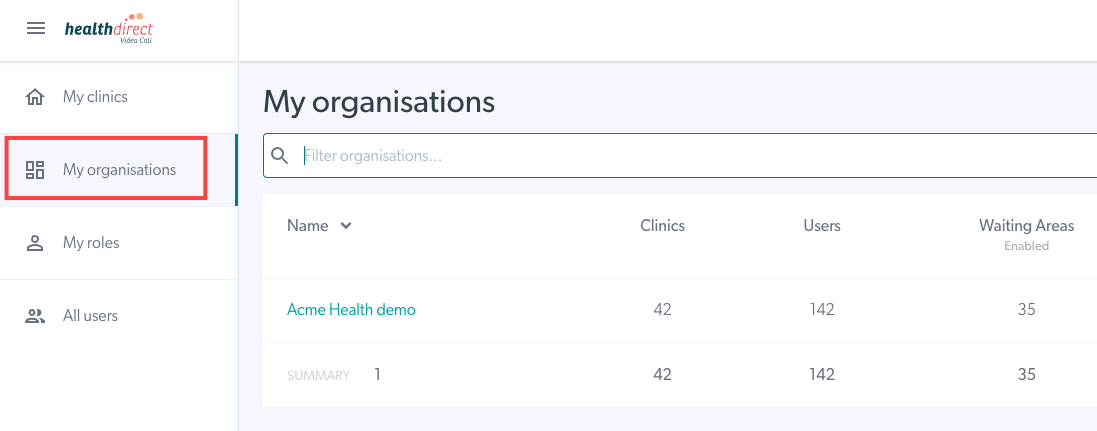 |
- Your organisations will be shown in ascending alphabetical order, if there is no activity.
- Switch to descending alphabetical order by clicking the down arrow next to Name.
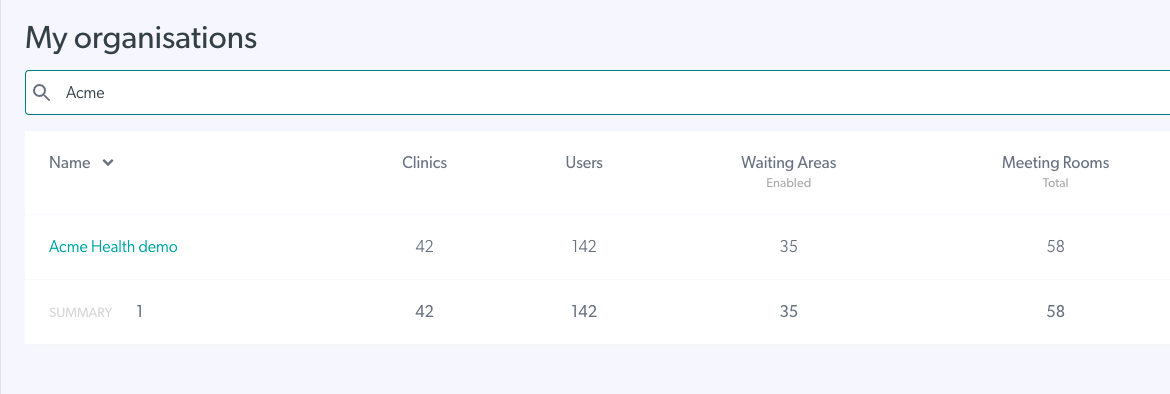
- Search for a specific organisation by typing the name of the organisation in the search bar (the name does not need to be exact, it's best to search by first letters of the name).
|
 |